 Start pension pre-check ↗
Organise hospital and pharmacy expenses in separate attachment lists
After treatment during a trip, hospital documents and pharmacy records may end up in the same folder. Two self-made attachment lists can help you find documents by the type of organisation that issued them, without deciding whether expenses will be reimbursed. This guide offers three practical steps, an imaginary example and a short checklist. It explains which details you can copy from documents you already have and how to leave an uncertain classification open. Ask your insurer whether it wants such lists and which documents it needs for your situation. A personal list replaces neither the records nor a coverage decision.
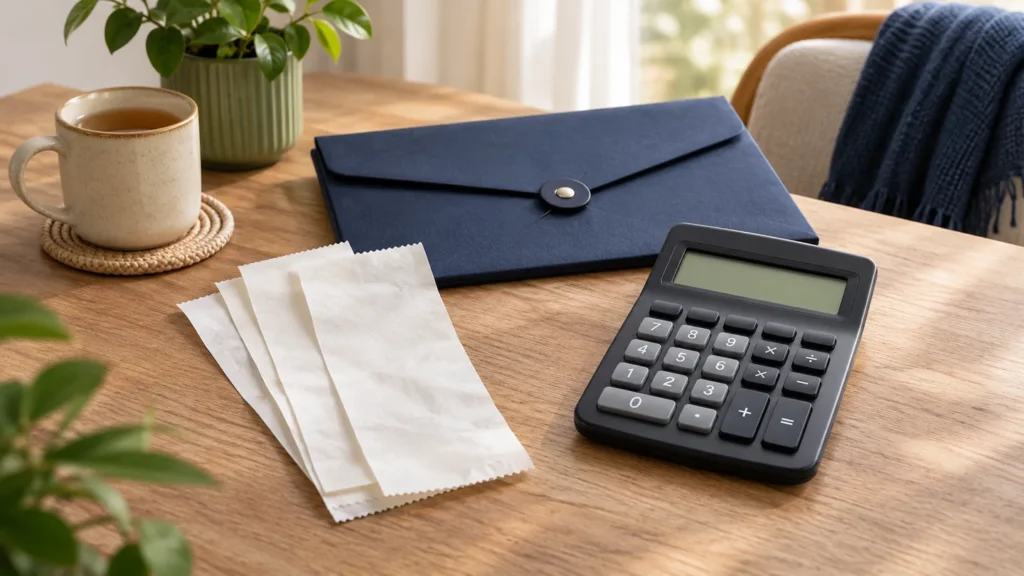
After a trip, a hospital document and a small pharmacy record lie next to each other on the table. Both may concern health expenses, but when you return to the folder later, you want to see quickly which organisation issued each document. Two simple lists can make that easier.
These lists are a voluntary organising aid, not official forms. They show what you have; they do not decide whether an expense will be reimbursed. The DVKA points people with questions about insurance coverage to their German health insurance fund. Ask your insurer what documents and arrangement it needs for your particular case.
Step one: Sort by the issuing organisation
First put the documents you have into two groups: hospital and pharmacy. Look on each document for the organisation that issued it. For filing purposes, the issuer’s name is often more useful than guessing what an expense was medically intended for.
If you cannot tell which group a document belongs in, place it temporarily in a third section labelled “to clarify”. Do not choose a group merely to make the list look complete. A hospital document does not become a pharmacy record just because it mentions medicines.
Step two: Make two short attachment lists
Title one page “Hospital” and the other “Pharmacy”. You can create a separate line for each document you have. For example, note a number of your own choosing, the issuer’s name, the date visible on the document and the document’s name. If a sum appears, you can also record it with the currency shown.
Your number is simply a way to find an entry in your own folder; it is not an insurer’s reference. If a detail is missing or unreadable, mark that rather than guessing. The list does not need to contain a medical interpretation.
Step three: Compare each list with the documents
Go through both lists line by line. Can you find the document named in each entry? Is the issuer the same? Look at the “to clarify” section too. This helps you identify classifications you want to check yourself or ask the issuing organisation about.
Before using the lists as attachments, ask your insurer whether it wants them and which documents it needs. Keep your own summaries and the documents accessible; a summary does not replace an individual document.
Worked example: two entries
Imaginary example: A person has an invoice from Sunny Valley Hospital and a record from Market Pharmacy. On the hospital list, they write: “H1 – Sunny Valley Hospital – invoice – date shown on document”. On the pharmacy list, they write: “P1 – Market Pharmacy – record – date shown on document”. The names are invented; in their actual lists, they enter the dates visible on their own documents.
Later, H1 tells them which document to look for. Neither entry says that the insurer will cover the expense. The responsible insurer assesses the particular case.
Checklist before you ask
- Prepare two list headings and a separate line for each document.
- Compare the issuer, document name and any visible date with the document itself.
- Leave uncertain classifications visible instead of filling them in by guesswork.
- Ask your insurer which documents it needs and whether it wants your personal lists.
Reader questions
What if a document mentions both a hospital and medicines?
First sort it by the identifiable issuer, rather than by individual words in the text. If the issuer is unclear, keep the document separately and ask the issuing organisation. Do not split it into imagined individual records for this list.
Must I send both lists to my insurer?
The DVKA page does not establish that. The lists are initially a personal working aid. Ask your insurer whether it wants to use such a summary and which documents it needs to assess your particular request.
Official sources
Share
Document Preparation Check
Three short choices. Request your preparation list by email. No identity document, insurance number or medical information required.
Request my preparation list →